Promotional banner To Be here.
US

Category: Latest News

Quick Sections

Quick Sections

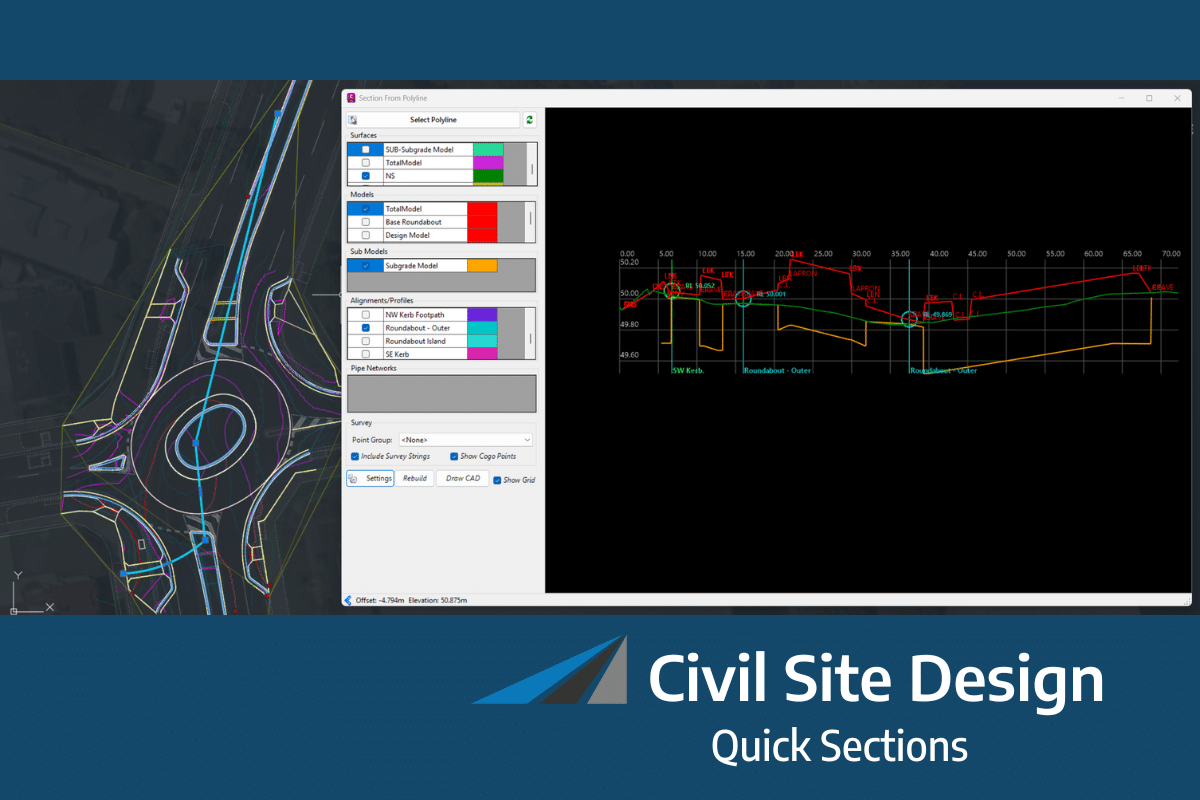
From V26.20 release you now have the ability to quickly extract a dynamic section view along any polyline. This allows designers to quickly visualise and review their designs without the…

Read more
Civil Site Design and Stringer Topo V26.10 | Release

Civil Site Design and Stringer Topo V26.10 | Release

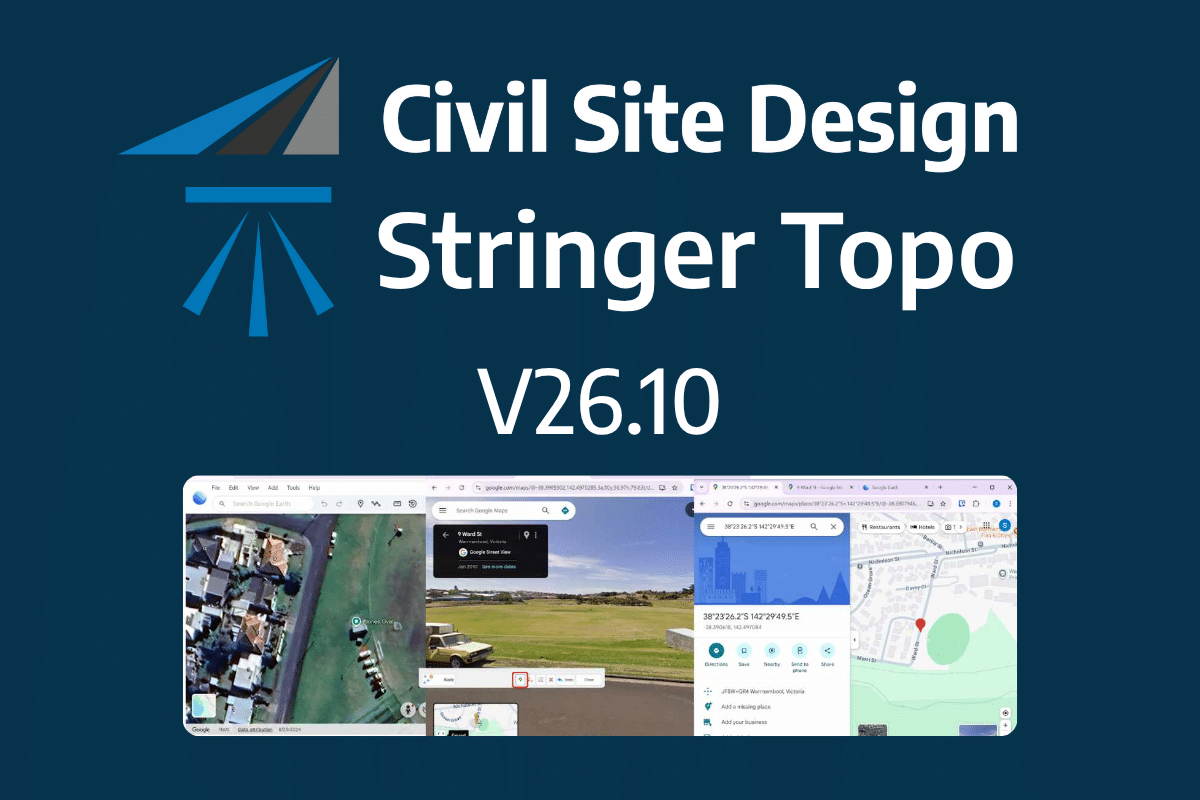
The latest releases of Civil Site Design V26.10 and Stringer Topo V26.10 are here! These updates focus on addressing customer-reported issues, improving pack mode performance, and introducing new features and efficiency…
Read more
Corridor Enhancements

Corridor Enhancements

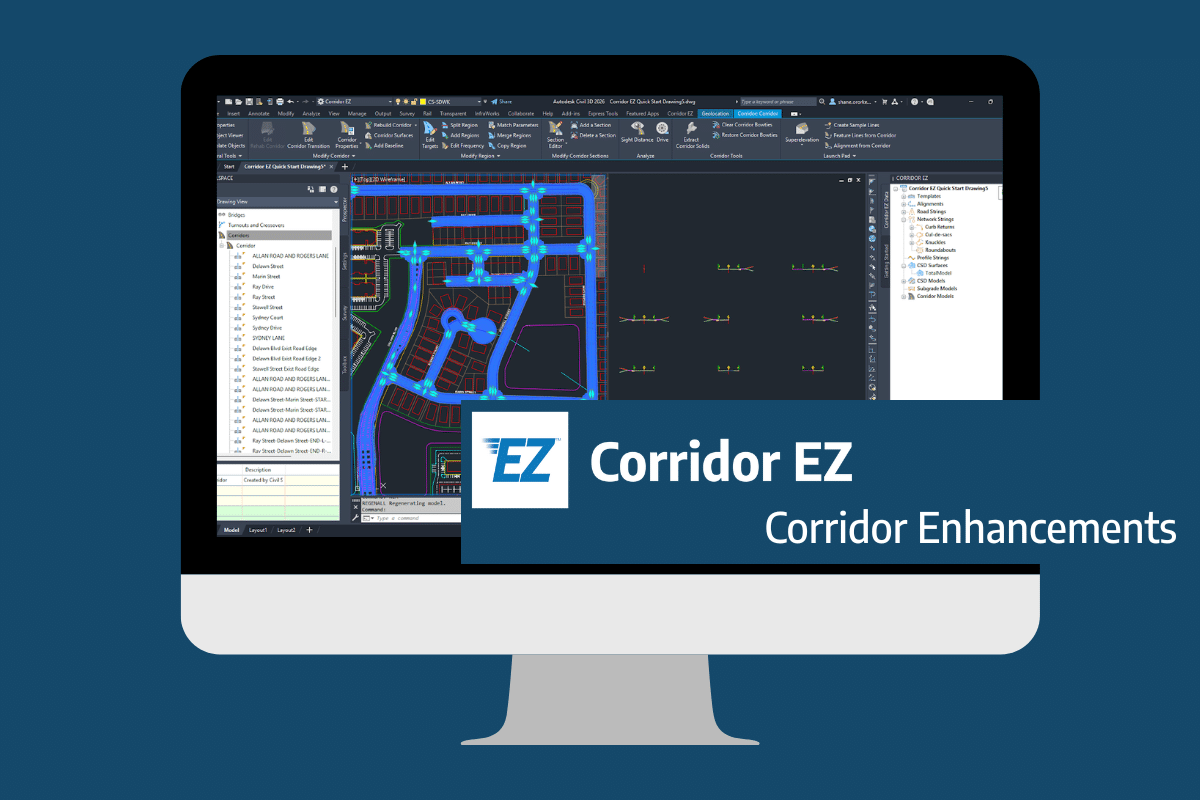
Our streamlined design process shaves hours and days off your Civil 3D projects, including the creation of a Civil 3D Corridor complete with multiple regions, target mapping, and assemblies, at…
Read more
Expand Your Survey Capabilities with Attributes

Expand Your Survey Capabilities with Attributes

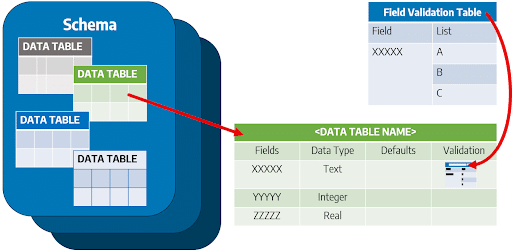
Field attributes provide Surveyors with the ability to include additional data in their Survey pickup of points.  With Stringer Topo V26 users can now include additional data (attribute data) with…
Read more
Home Use License Access

Home Use License Access

Home Use Licensing was provided to customers to support access to a single license from two computers, to support non-concurrent office and home use of the software. Prior to the…
Read more
Cloud Licensing | How it works

Cloud Licensing | How it works

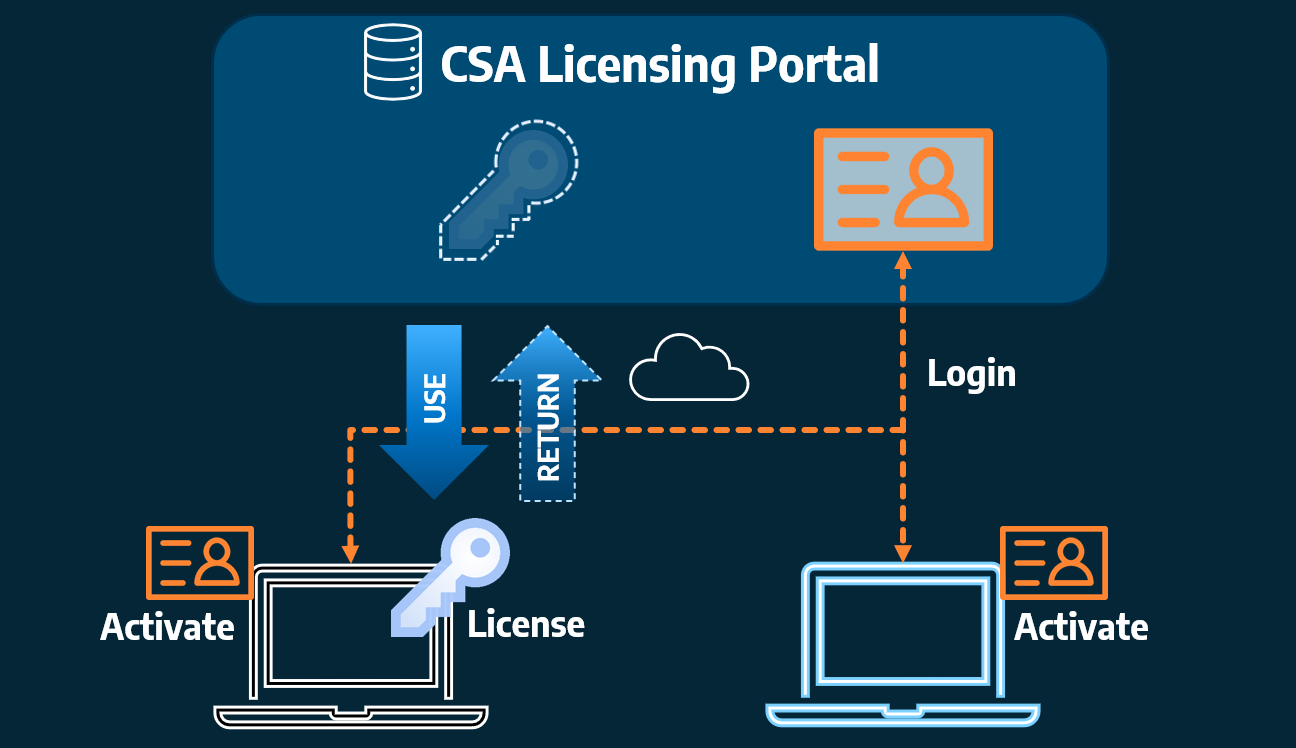
Cloud licensing is a modern approach to software licensing that differs from traditional single user and network licensing models. Cloud licensing enables license activation and usage via our server. The…
Read more

Create Cogo Points by Alignment

Civil Site Design V26 introduces the new command Import Cogo Point File (by Alignment). This tool allows you to import a file that specifies chainage and offset along an alignment for…
Read more
Clone String

Clone String

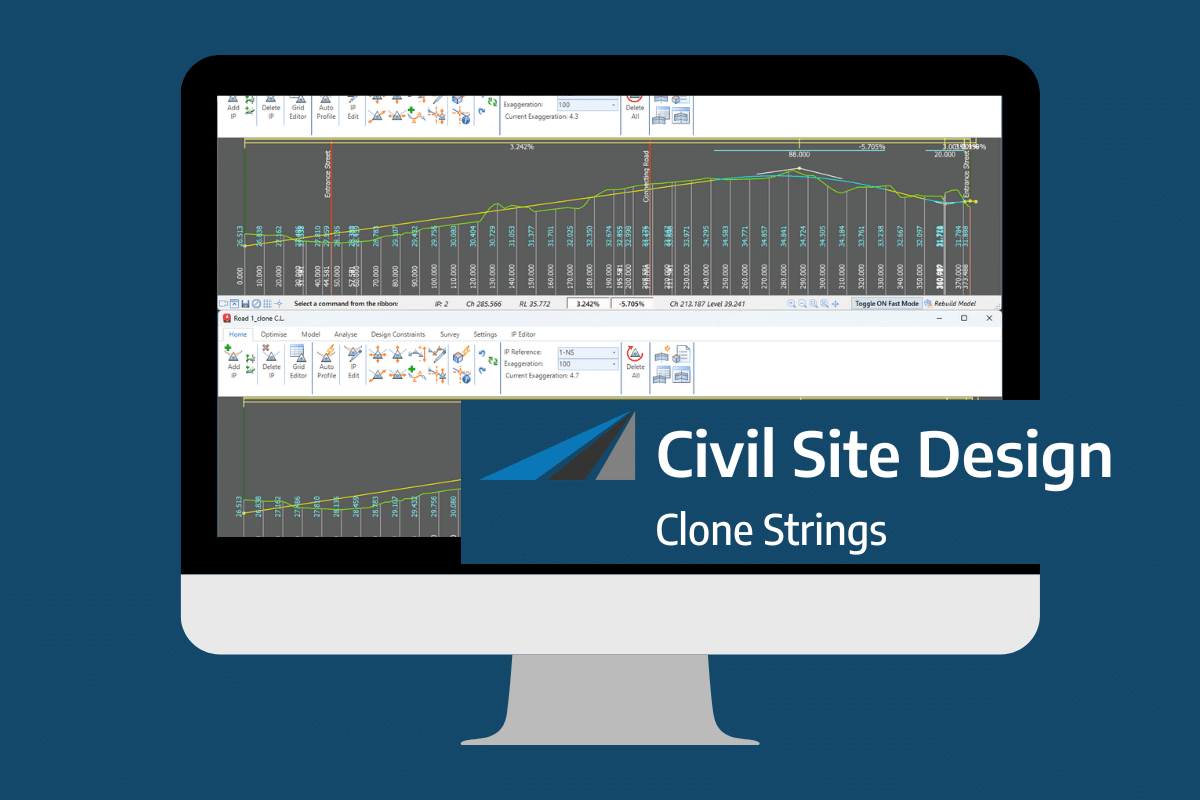
In the Civil Site Design v26 release for AutoCAD and BricsCAD, a new Clone String command has been added. This command allows users to create a clone of an existing string as…
Read more
Civil Survey Applications (CSA) bridges the gap between complex design and seamless drafting. Based in Australia and powered by a team of practicing civil engineers and surveyors, we develop industry-leading tools that sit directly inside Autodesk and Bricsys platforms—ensuring your workflow stays in one high-performance environment.

Copyright Civil Survey Applications 2026 | All Rights Reserved | Website Design by Fox & Lee