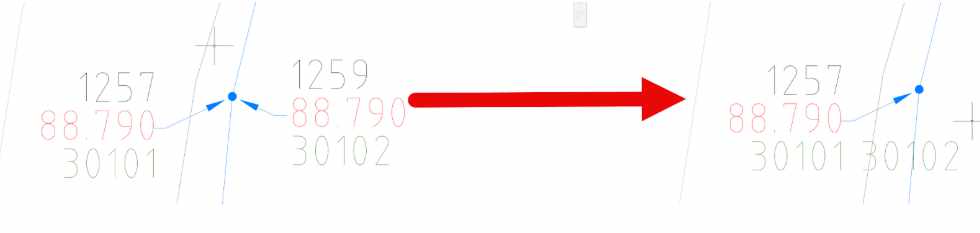
The latest releases of Civil Site Design V26.10 and Stringer Topo V26.10 are here! These updates focus on addressing customer-reported issues, improving pack mode performance, and introducing new features and efficiency enhancements for working with COGO points and Survey Strings.

Civil Site Design V26.10 is available for Civil 3D 2021-2025, BricsCAD Pro V23-V24, and AutoCAD 2021-2025.

Stringer Topo V26.10 is available for Civil 3D 2021-2025, BricsCAD Pro V23-V24, and AutoCAD 2021-2025.

CSD and Stringer V26.10

New Features and Enhancements

COGO Point Enhancements

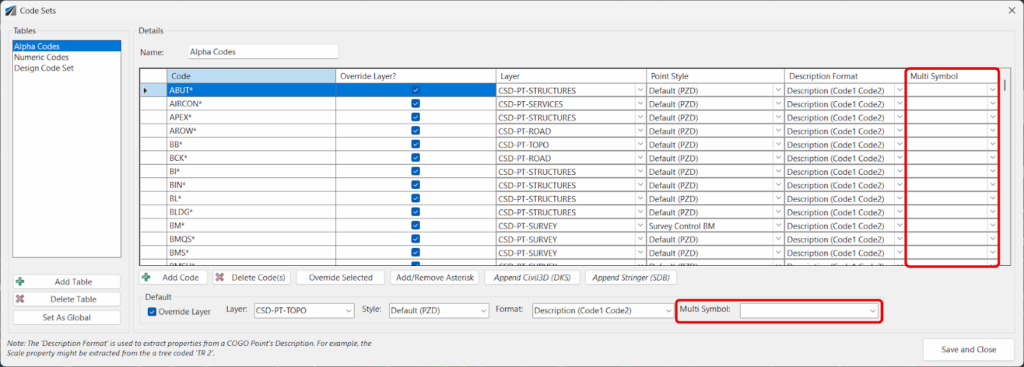
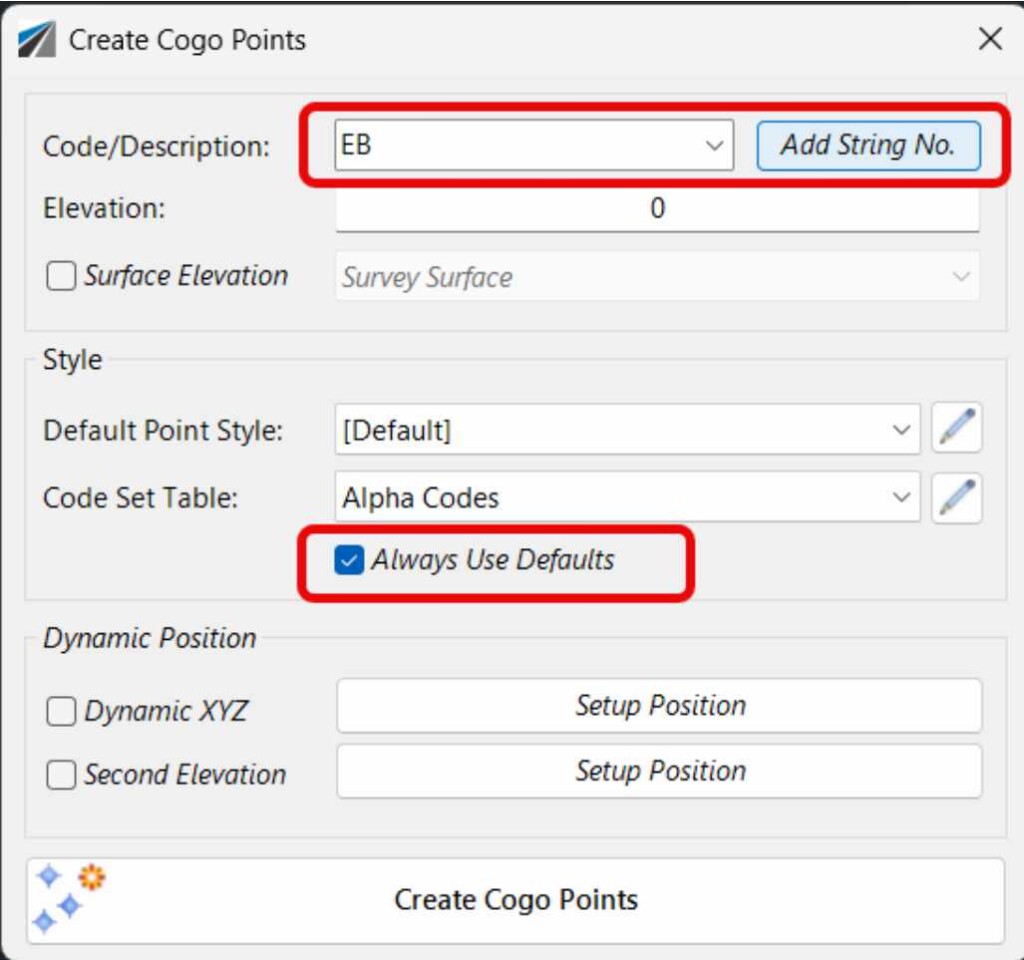
  • COGO Point Creation: You can now create COGO points from a variety of Civil Site Design and Stringer Topo objects, including alignments, profiles, cross-sections, and surfaces. This streamlines the workflow for generating survey points from your design data.
  • COGO Point Export: Export COGO points to various formats, including CSV, TXT, and LandXML. This allows for easy sharing of survey data with other software and stakeholders.
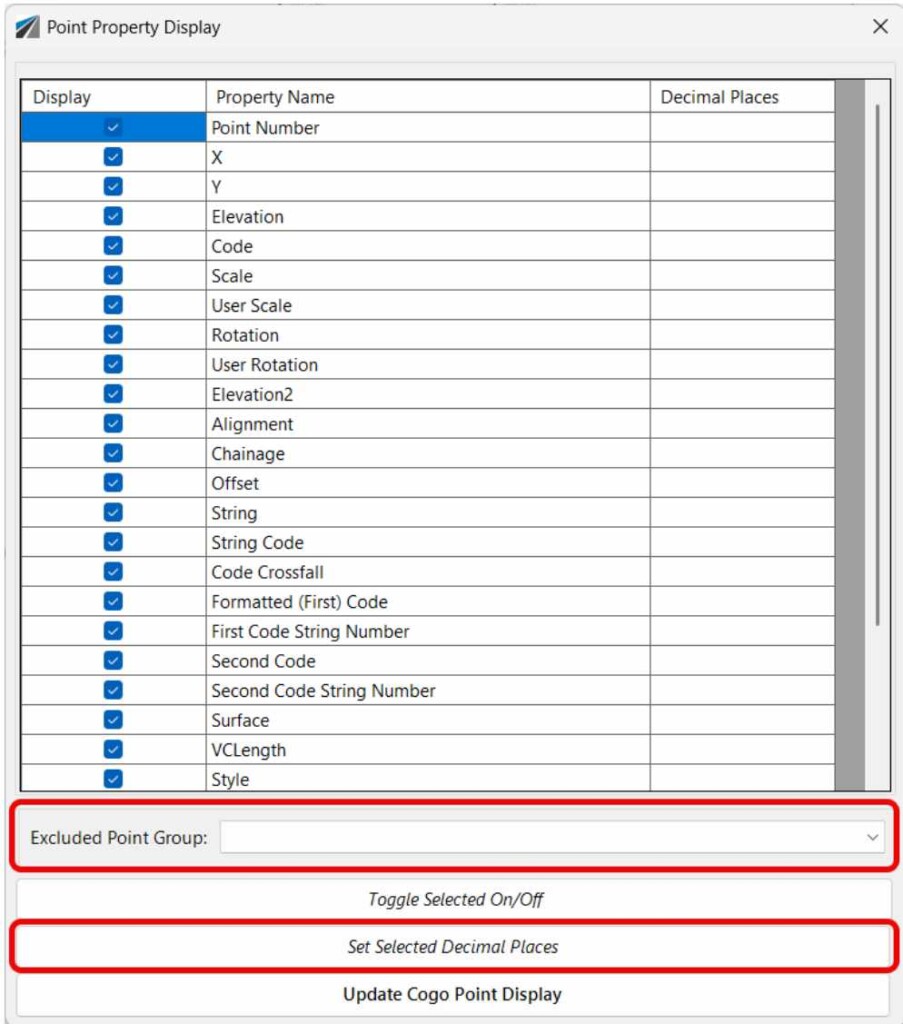
  • COGO Point Editing: Edit COGO point properties, such as point number, description, and elevation, directly within Civil Site Design and Stringer Topo. This provides greater flexibility and control over your survey data.

Survey String Enhancements

  • Survey String Creation: Create survey strings from a variety of Civil Site Design and Stringer Topo objects, including alignments, profiles, and surfaces. This streamlines the workflow for generating survey strings from your design data.
  • Survey String Export: Export survey strings to various formats, including CSV, TXT, and LandXML. This allows for easy sharing of survey data with other software and stakeholders.
  • Survey String Editing: Edit survey string properties, such as string name, description, and elevation, directly within Civil Site Design and Stringer Topo. This provides greater flexibility and control over your survey data.

Performance Improvements

  • Pack Mode Performance: Significant improvements have been made to pack mode performance, resulting in faster processing times for large datasets.
  • Drawing Performance: Drawing performance has been optimized, resulting in smoother and more responsive graphics.

Bug Fixes

  • Customer-Reported Issues: A number of customer-reported issues have been addressed, improving the overall stability and reliability of the software.

Other Enhancements

  • Improved User Interface: The user interface has been improved with a more modern and intuitive design.
  • Enhanced Documentation: The documentation has been enhanced with more comprehensive and up-to-date information.

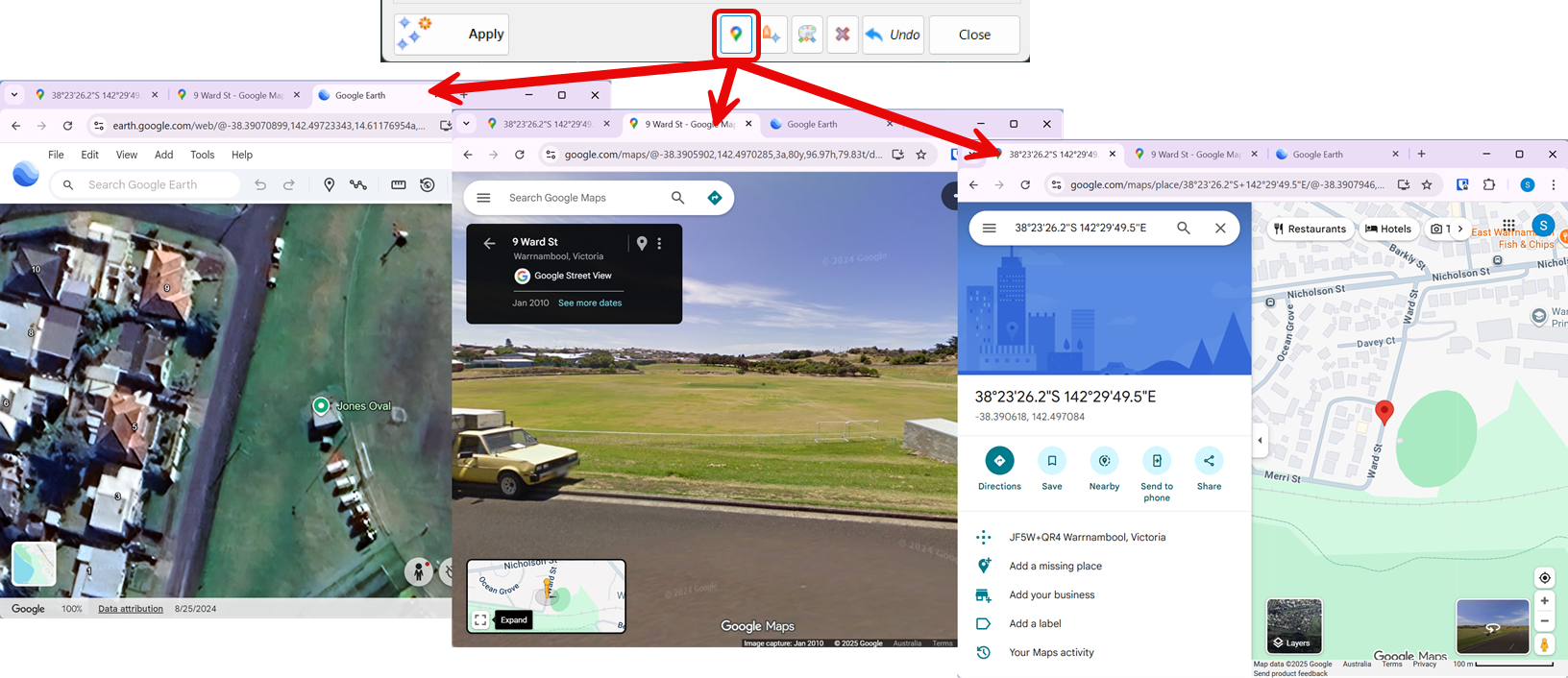
LaunchGoogle

Civil Site Design V26.10

New Features

  • New Option to Create a Single Surface from All Strings: A new option has been added to create a single surface from all strings in a design. This can be useful for creating a single surface for an entire project, or for creating a surface for a specific area of a project.
  • New Option to Create a Single Surface from Selected Strings: A new option has been added to create a single surface from selected strings in a design. This can be useful for creating a surface for a specific area of a project, or for creating a surface for a specific set of strings.
  • New Option to Create a Single Surface from a Selection Set: A new option has been added to create a single surface from a selection set of strings in a design. This can be useful for creating a surface for a specific area of a project, or for creating a surface for a specific set of strings.

Enhancements

  • Improved Performance for Large Datasets: Performance has been improved for large datasets, resulting in faster processing times and smoother graphics.
  • Improved Stability and Reliability: Stability and reliability have been improved, resulting in fewer crashes and errors.

Bug Fixes

  • Customer-Reported Issues: A number of customer-reported issues have been addressed, improving the overall stability and reliability of the software.

Civil Site Design and Stringer Topo V26.10 Blog Post 3

Stringer Topo V26.10

New Features

  • New Option to Create a Single Surface from All Strings: A new option has been added to create a single surface from all strings in a design. This can be useful for creating a single surface for an entire project, or for creating a surface for a specific area of a project.
  • New Option to Create a Single Surface from Selected Strings: A new option has been added to create a single surface from selected strings in a design. This can be useful for creating a surface for a specific area of a project, or for creating a surface for a specific set of strings.
  • New Option to Create a Single Surface from a Selection Set: A new option has been added to create a single surface from a selection set of strings in a design. This can be useful for creating a surface for a specific area of a project, or for creating a surface for a specific set of strings.

Enhancements

  • Improved Performance for Large Datasets: Performance has been improved for large datasets, resulting in faster processing times and smoother graphics.
  • Improved Stability and Reliability: Stability and reliability have been improved, resulting in fewer crashes and errors.

Bug Fixes

  • Customer-Reported Issues: A number of customer-reported issues have been addressed, improving the overall stability and reliability of the software.

Civil Site Design and Stringer Topo V26.10 Blog Post 4

Licensing Improvements

The latest updates make it easier for users to get started and for administrators to manage licenses.


Evaluation Tab

  • Educational License Request: A new button has been added that allows students to directly request a free educational license. This simplifies the process for students and educators who need access to the software for non-commercial, learning purposes.
  • “No Company” Checkbox: Users can now request a software evaluation as an individual rather than as a company. This is a simple but important addition, making the trial process more accessible to freelance designers, consultants, or anyone who wants to try the software without a formal business affiliation.

Settings Tab

  • ‘Enterprise Mode’ Option: This new option in User Settings allows administrators to hide user account and license key access from individual users. When enabled, users can run the software but cannot see the license details. This is particularly useful for larger organizations where a central IT department or administrator manages all software licenses, preventing accidental changes or unauthorized sharing of license keys.