Promotional banner To Be here.

A much-requested command from customers has been to provide a tool that converts a 2D polyline into a 3D polyline, by draping it onto a surface.
This is useful for draping design elements to represent controls such as limit of works, matching to existing features and to provide 3D information for further design.
If you are looking for a tool to set objects to adopt surface elevations, check out Drape Objects. This command allows you to select the following objects and set the elevations of these to match the surface:
The command is simple. After selecting the surface you then can pick a layer containing the objects you want or else pick and choose from the drawing. Next, you pick whether to modify the selected objects or create new objects.
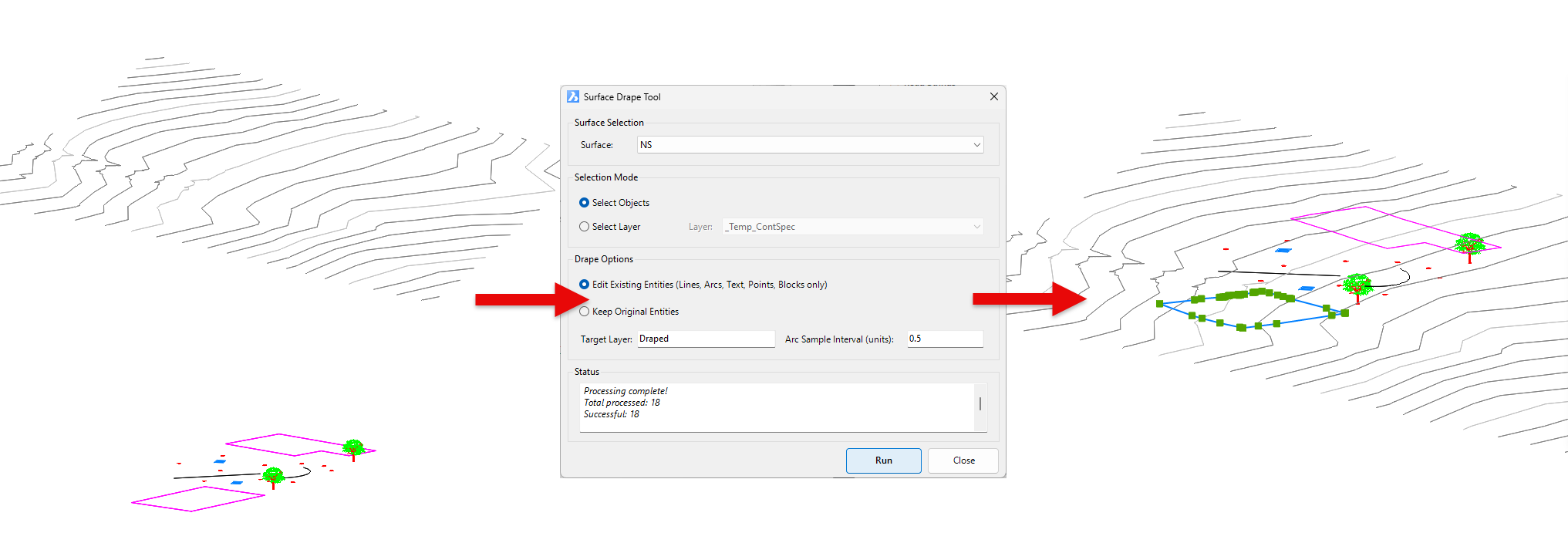
You have the option of making copies of the objects or replacing/modifying them.
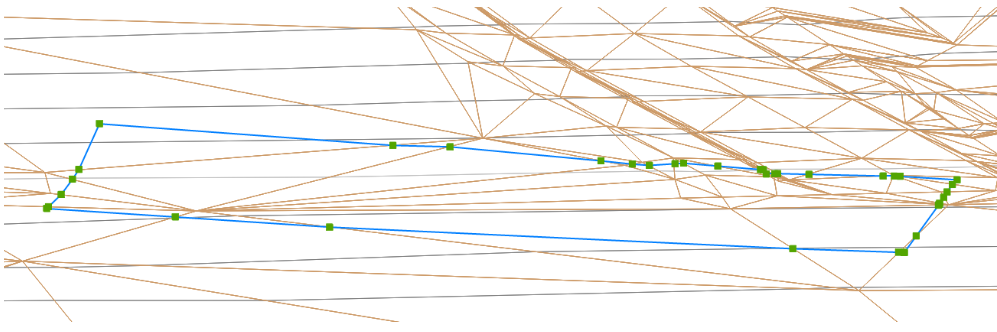
For polylines, vertices are added to exactly match the surface elevations including all grade breaks.


Copyright Civil Survey Applications 2026 | All Rights Reserved | Website Design by Fox & Lee