Promotional banner To Be here.

This guide will assist you in upgrading your Civil Survey Applications software to V26. Please follow the steps below carefully.
This section is for network administrators who are currently using a V25 Network License & who need to upgrade to V26
Steps for Upgrade
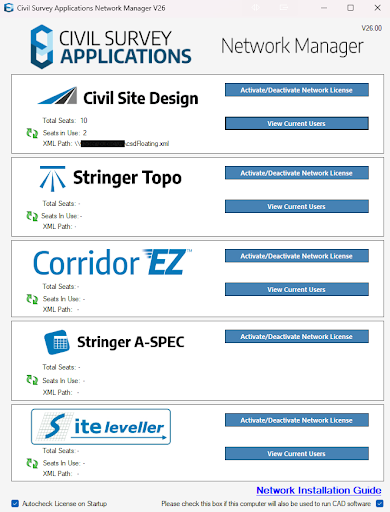
5. Your license will now show as V25. Click the update button.
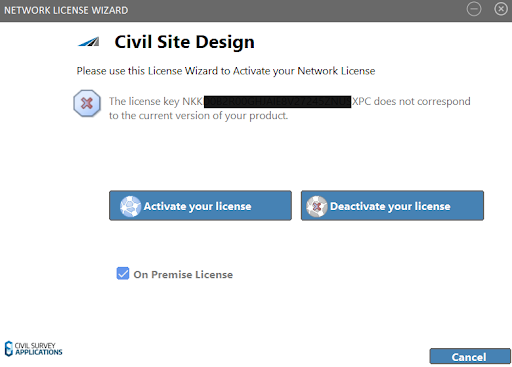
6. You will be prompted to confirm the update. Click yes.
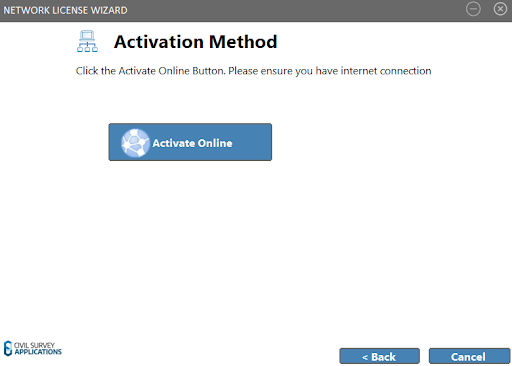
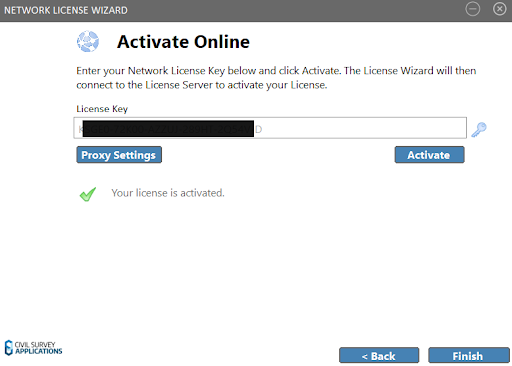
8. Your activation key, or computer key should be pre filled alerting you that it does not correspond to the current version. Click Activate to update it to the latest version.
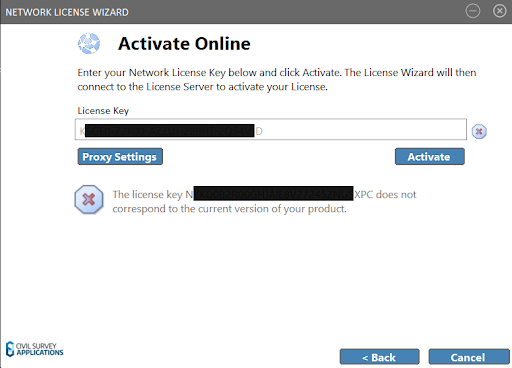
9. Your Network license should now be upgraded and ready for use
10. You may now instruct your users to complete the steps below to upgrade the software on their machine
This section is for users who are currently using a V25 Network License & who need to upgrade to V26
Note: Before these steps can be completed your network administrators must complete the above steps in the Network Server Upgrade Guide.
Steps for Upgrade
Activation: Your V26 license will be re-activated automatically if your subscription/maintenance is valid.


Copyright Civil Survey Applications 2026 | All Rights Reserved | Website Design by Fox & Lee